Introducing Kincade
I’ve been developing some new genealogy software, and one of the things I wanted it to do was export printable ancestor charts. In particular, I wanted a cascading pedigree, where earlier generations continue on additional pages, and a fan chart.
I built a Python library to generate both kinds of charts as PDFs. Then I decided to add support for reading GEDCOM files, which also allows it to function as a standalone CLI tool: you can pass a GEDCOM file to a command-line tool and get a printable chart back.
The result is Kincade.
Here are examples of the two chart types.
Click either preview to open the resulting PDF (the pedigree is multi-page with a name index at the end).
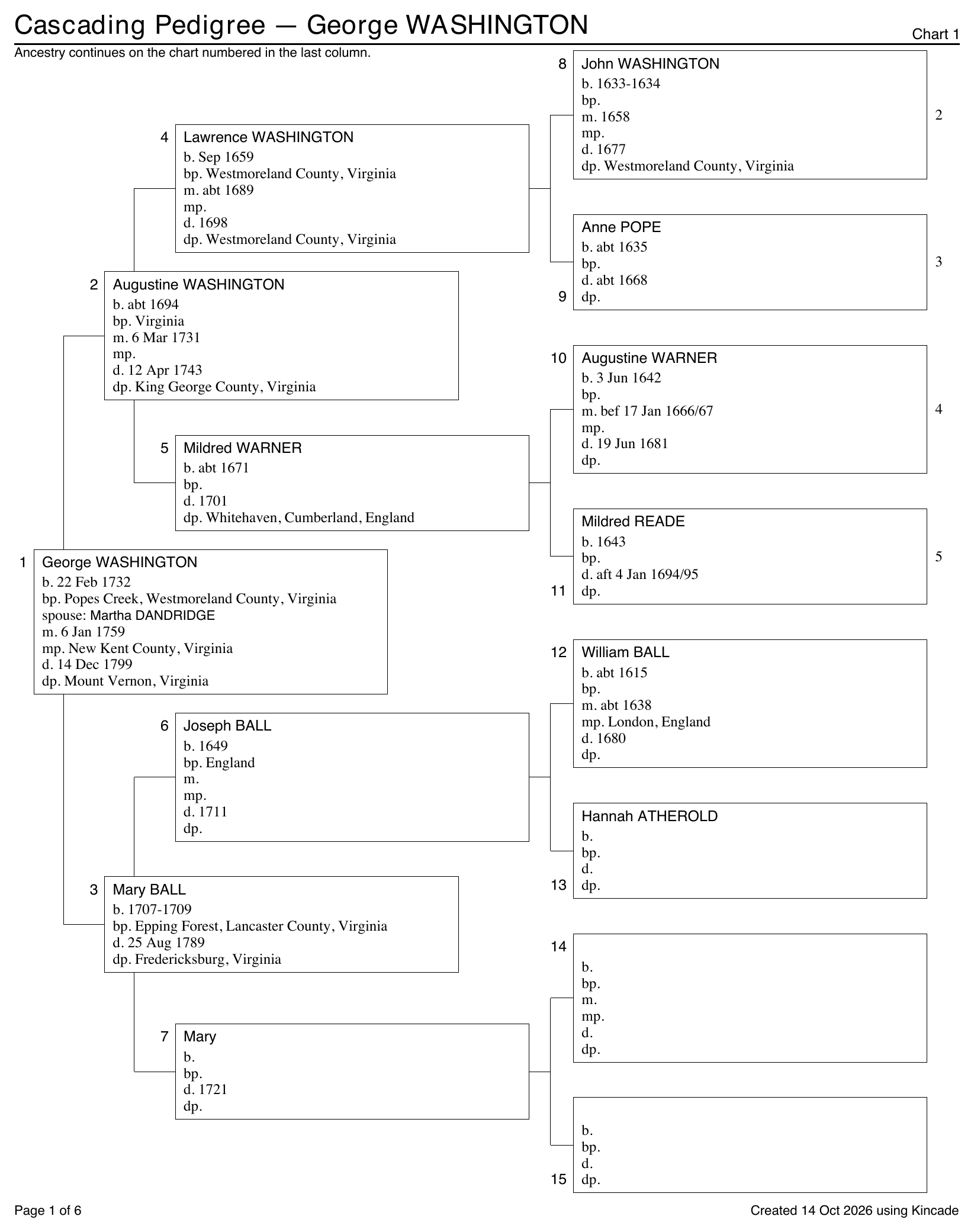
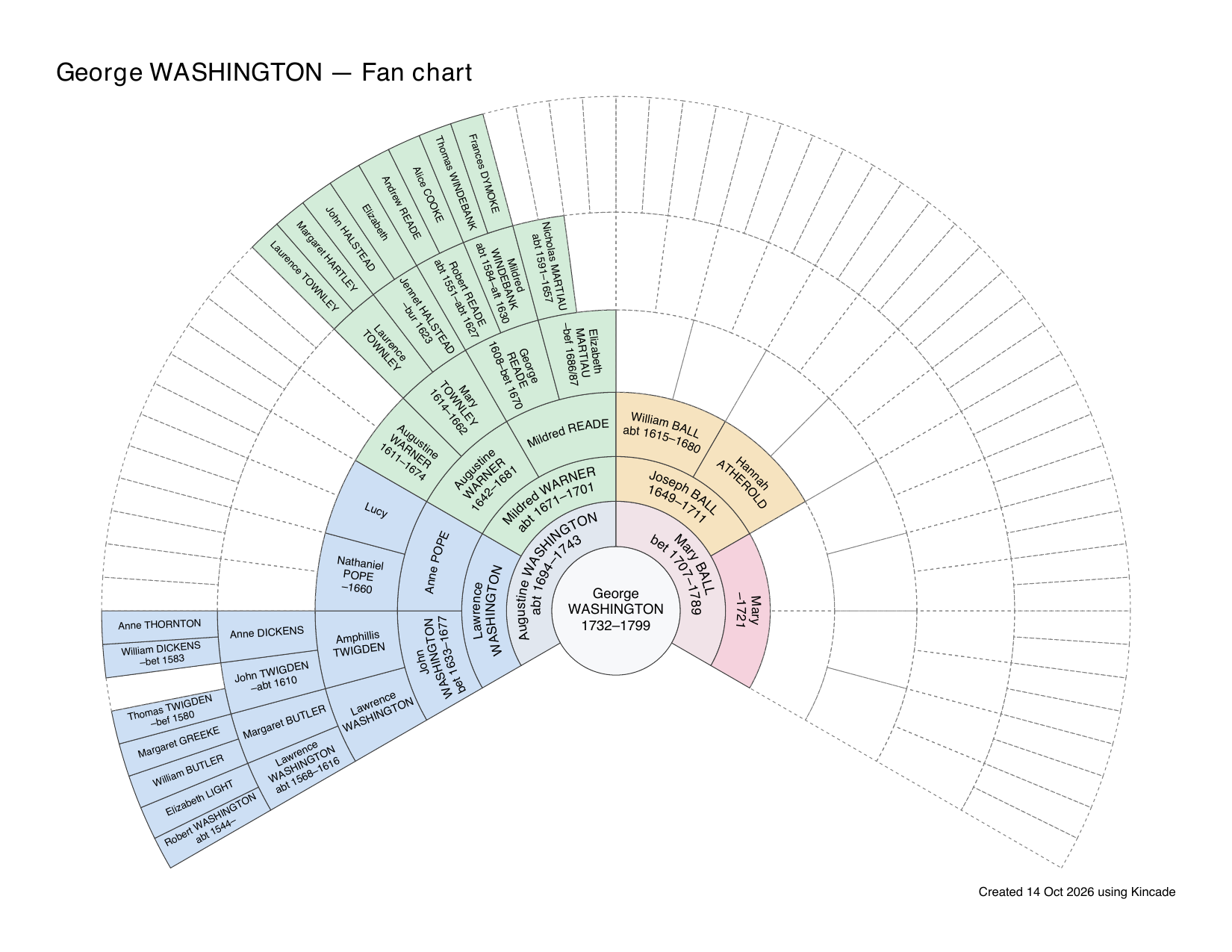
It all seemed simple enough that I decided to try one more experiment. Pyodide is a port of CPython to WebAssembly/Emscripten, which lets Python code run inside a browser. With a web interface invoking the library running in the browser, Kincade can read a GEDCOM and generate the PDF entirely on your own computer.
That means your family data stays in your browser. The GEDCOM file isn’t uploaded to any server. The web server just delivers the page and Kincade’s code, and the browser downloads the Python runtime, dependencies and fonts. The actual work of reading the family tree and drawing the charts happens locally in your browser.
You can try Kincade right here on Pedigree Pipeline, without installing anything. Choose See an example to use the included sample tree, or open a GEDCOM exported from your own genealogy software.
If you’d rather use the command line, or want to generate charts from your own Python code, the Kincade repository has instructions for both.